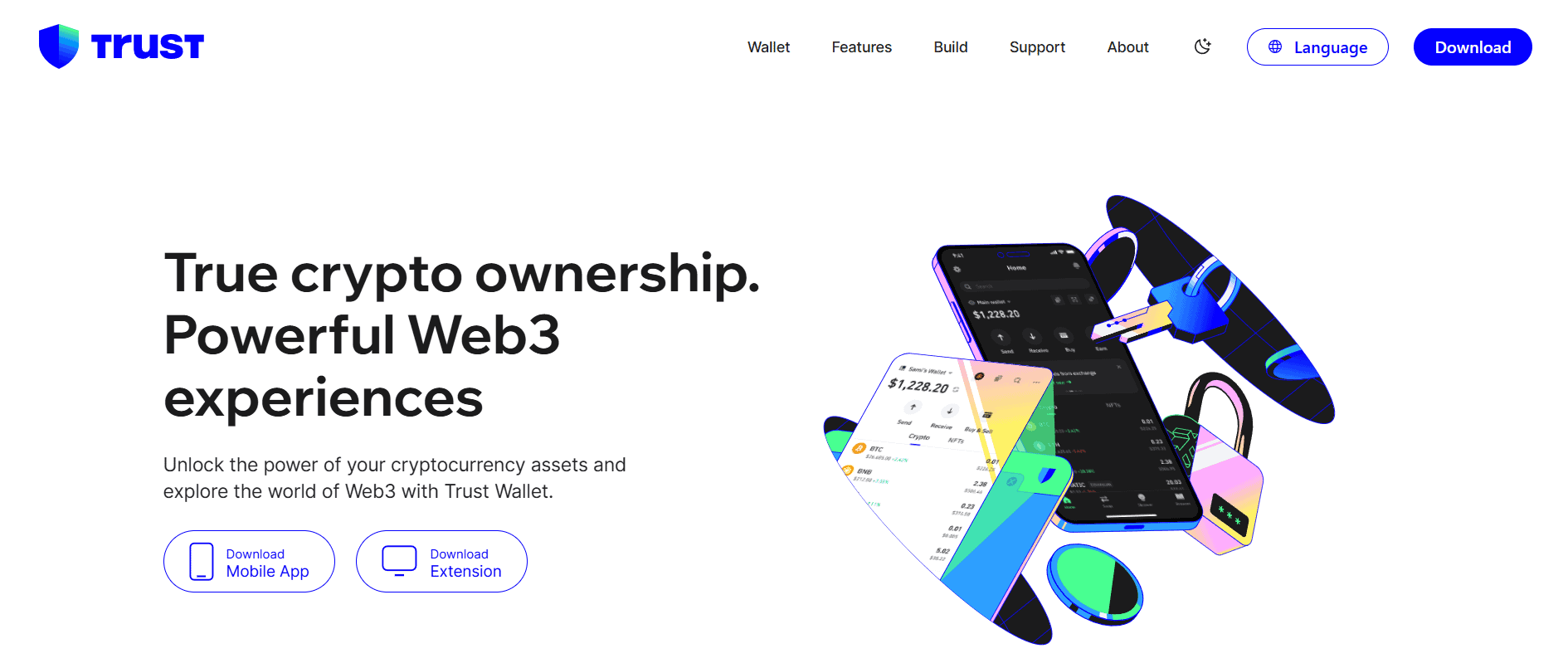
How to install Trust Wallet
Visit Trust Wallet Website
Click on Download Extension which will show you 4 browser options - Chrome, Brave, Opera, Edge. Select your browser. Please note that Trust wallet is not available on Safari browser.
New pop-up window will appear asking you to Add and Install Extension on your selected browser.
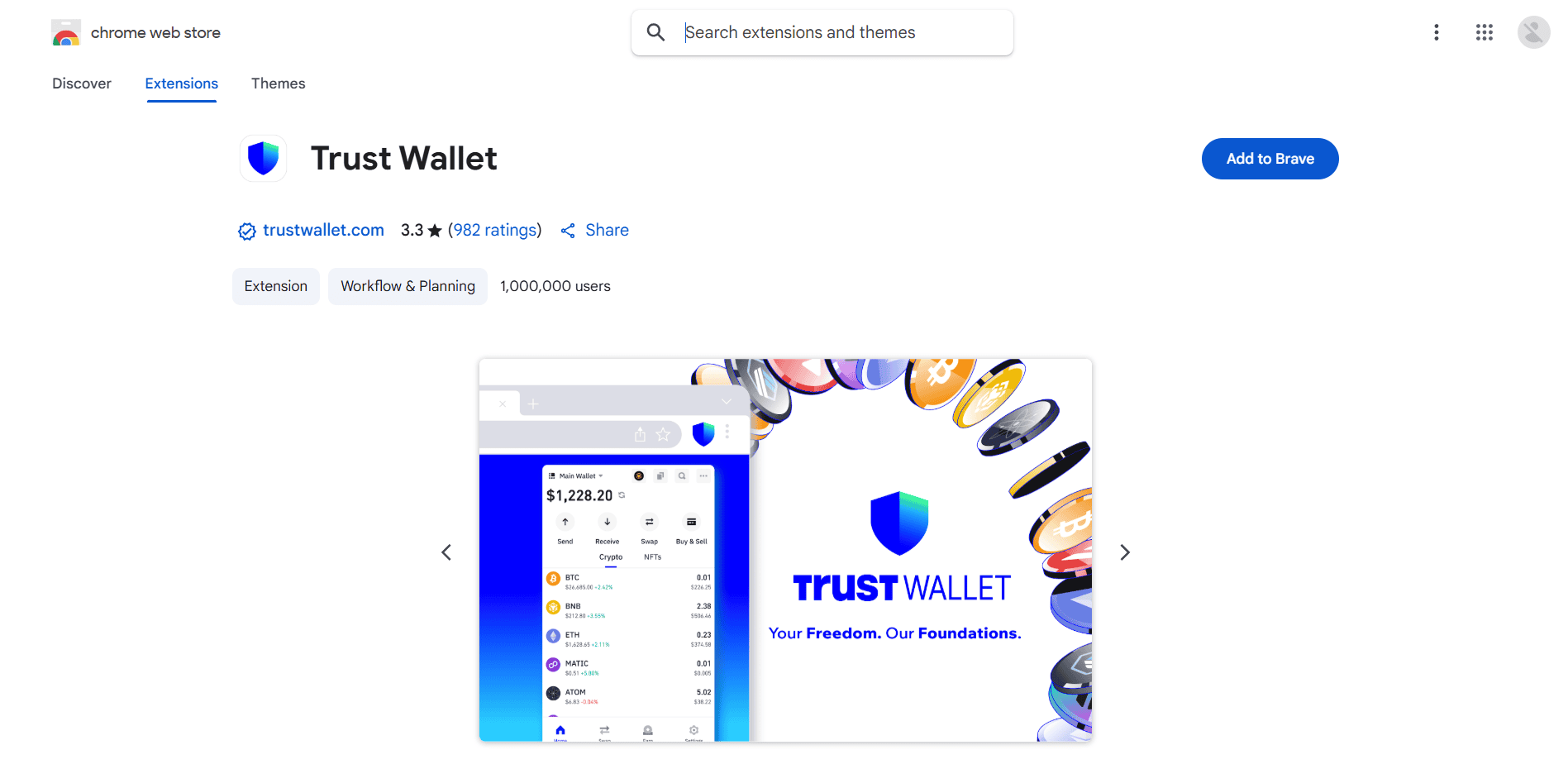
Once the extension has been downloaded and installed, a new tab will open to either create your new wallet or connect existing wallet.
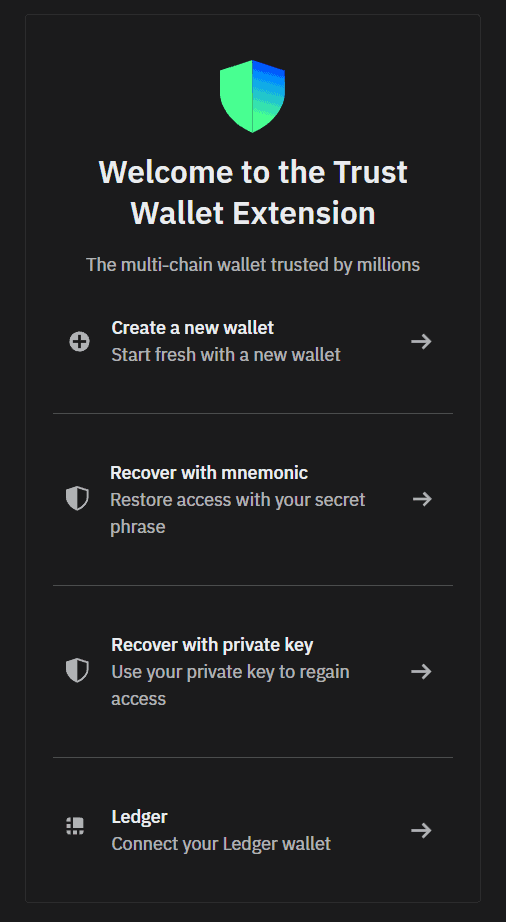
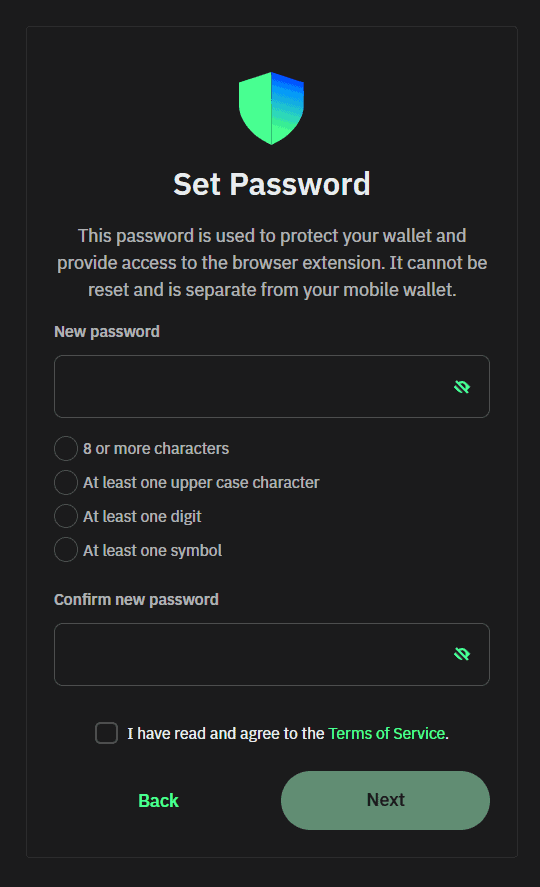
Select "Create new wallet" option. You will be prompted to enter a password for your wallet. This password allows you to login into your wallet.
After creating your password, you will be redirected to few instructions for your wallet. Please follow the instruction to pin your Trust wallet to extensions tab for easy access.
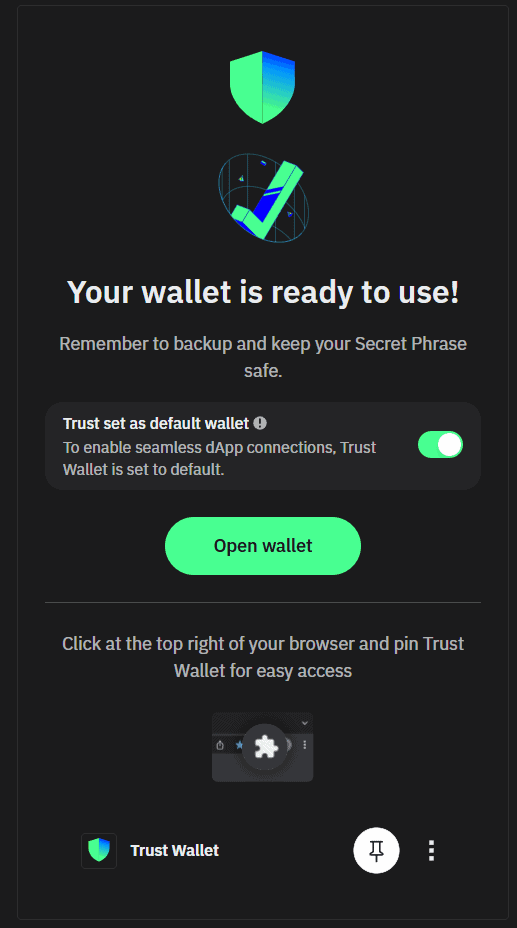
Clicking on "Open wallet" button redirects you to your new wallet.
Click on "Backup your secret phrase now" to save your Mnemonic Secret Phrase (Usually 12 words). Please note that this step is critical to the functioning of your wallet and will help you to recover it if you forget your password.


Click on "Show", after entering your password, you will be given 12 words. Please write it down carefully.
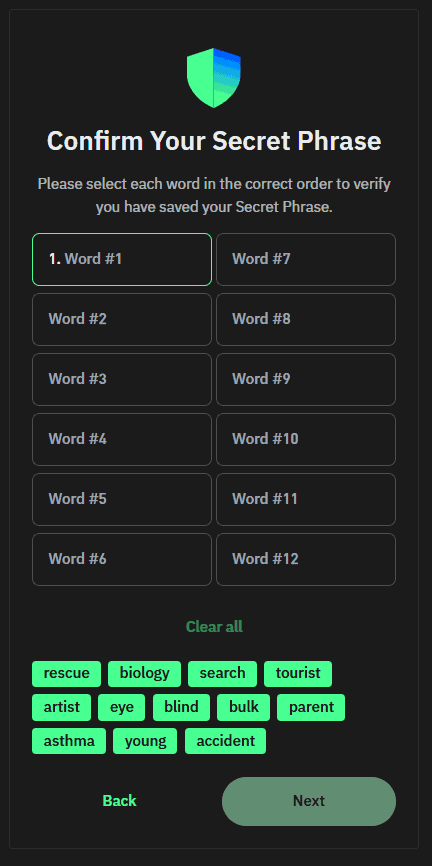
Enter the words provided to you in the exact order and Click on "Next".