Before you can buy your first bitcoin or BNB, you’ll need to open an account.
Head to the Binance homepage and click [Sign Up] in the front page or top right corner.
Input your email address and choose a secure password. If you prefer, you can also sign up using your mobile number rather than email.
Type the 6-digit verification code you received via email or phone number and click [Next].
Create a strong password with at least 8 characters, 1 number, and 1 upper case letter. Don’t share it with anyone.
Once you’re verified, you should now be set up with your Binance account. You’re one step closer to buying cryptocurrency, so let's dive into making your first crypto purchase.
Where can I get my personal account verified on the Binance website?
You can access the identity verification from [Account] - [Identification], or click [Verify] / [Get verified] from the homepage banners.

Click [Get Verified].
Select your country of residence.
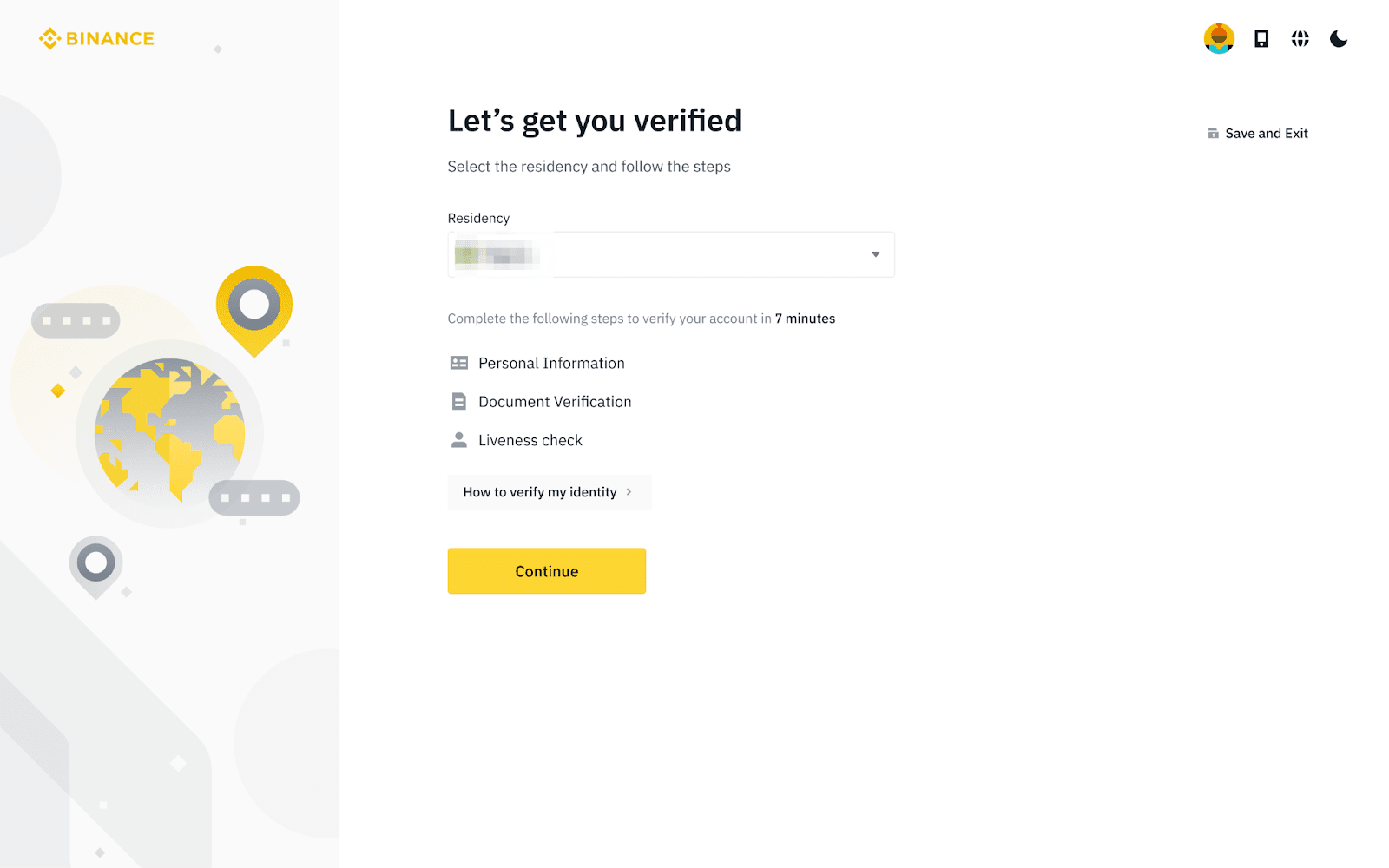
Enter your personal information and click [Continue].
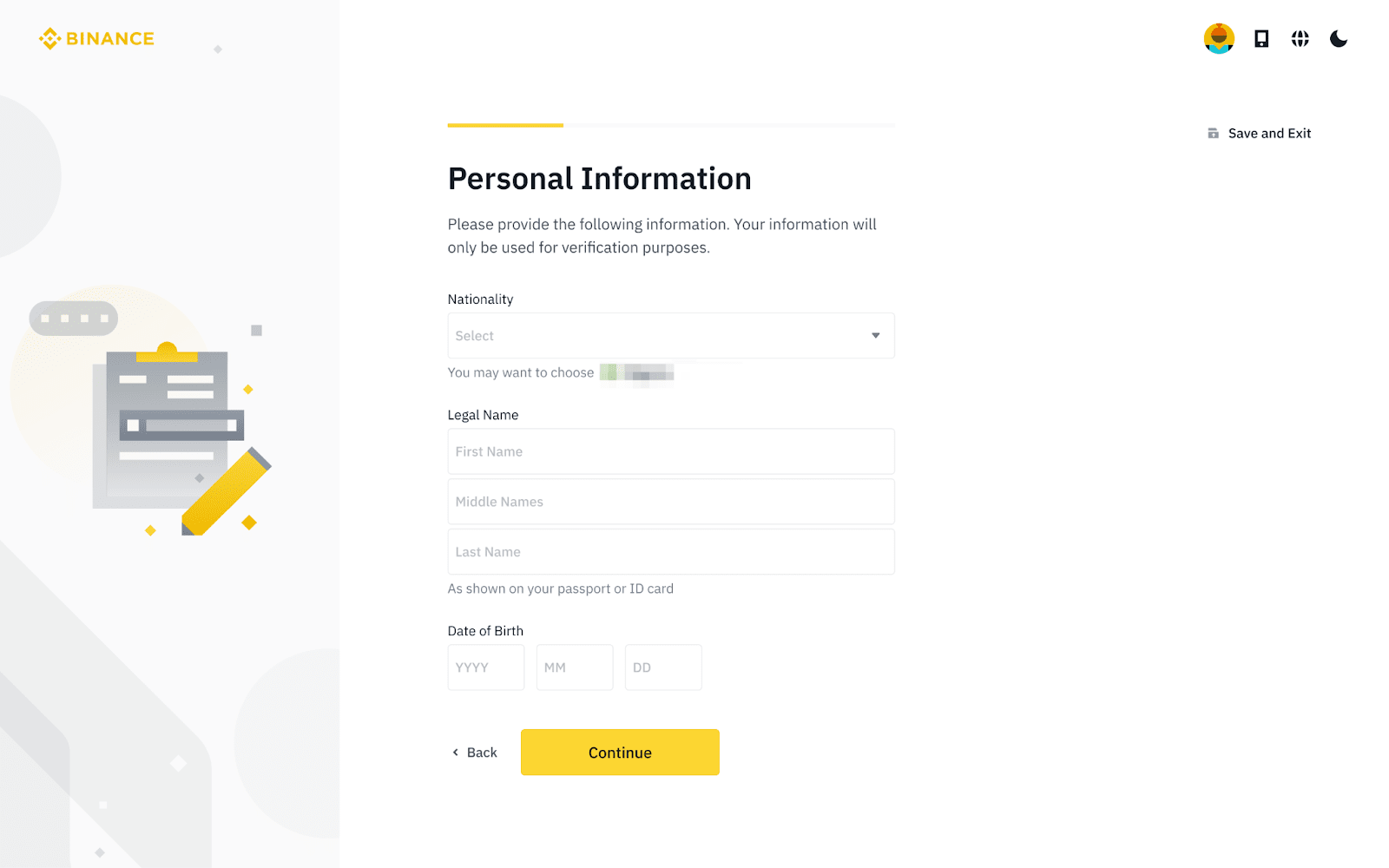
Please make sure that all the information entered is consistent with your ID documents. You won’t be able to change it once confirmed.
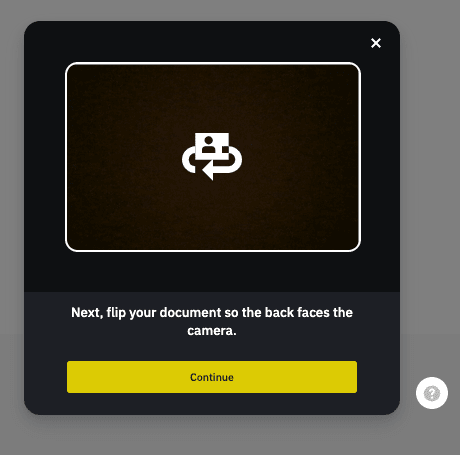
Next, you’ll need to verify your ID documents. You can take a photo with your phone camera, or upload photos. Choose an option and click [Continue].
You’ll need to complete a liveness check. Follow the instructions to take a video of yourself.
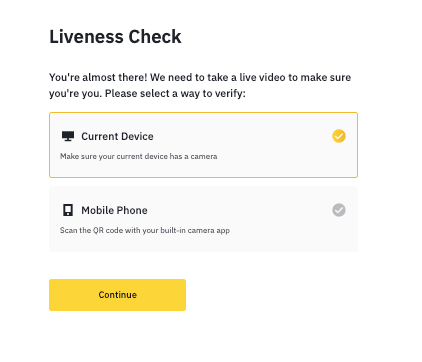
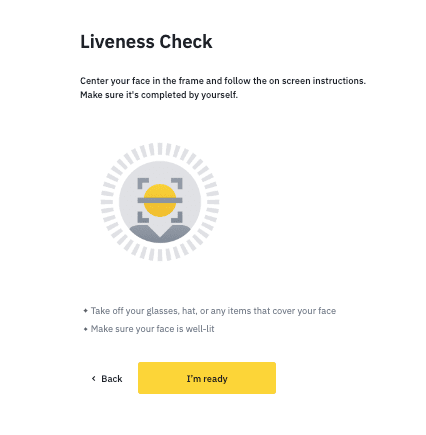
Binance will review your data in a timely manner. Once your application has been verified, we will send you a notification.
Do not refresh your browser during the process.